


A feature introduced in Word 2002 and available in Word 2013 is click-and-type. In a blank document, you can use it to click the mouse anywhere on the page and type information at that spot. Bam!
It’s difficult to see any value in click-and-type, especially when it's easier just to learn basic formatting. But click-and-type may bother you when you see any of its specialized mouse pointers displayed; thus:
That's click-and-type in action, with the mouse pointer trying to indicate the paragraph format to be applied when you click the mouse.
The best news about click-and-type is that you can disable it:
Click the File tab menu and choose Options.
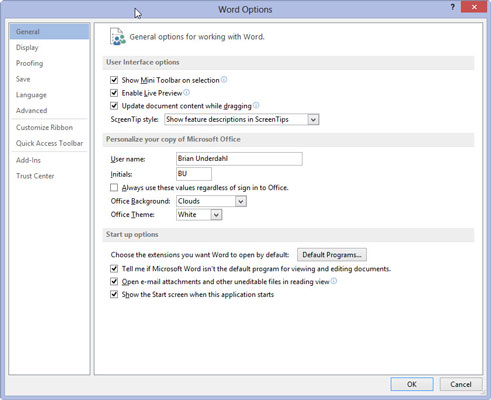
The Word Options dialog box appears.
Choose Advanced from the left side of the Word Options dialog box.
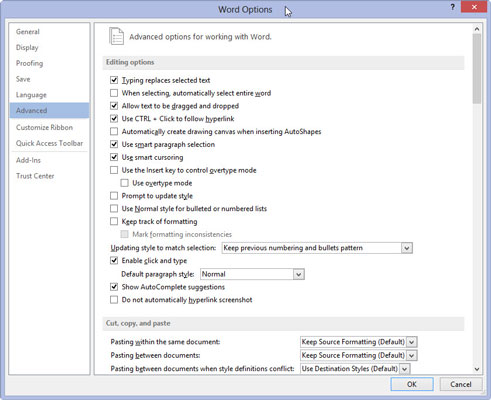
You should see the Enable Click and Type option.
Remove the check mark by Enable Click and Type.
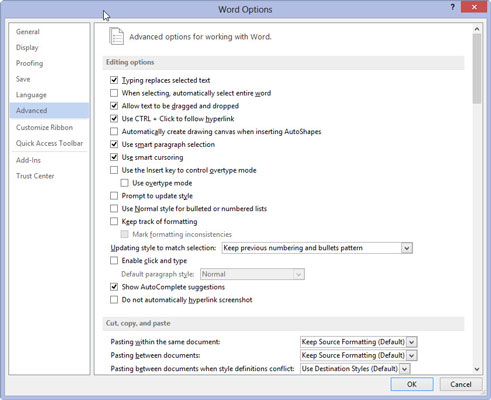
This setting is found in the Editing Options area.
Click the OK button.
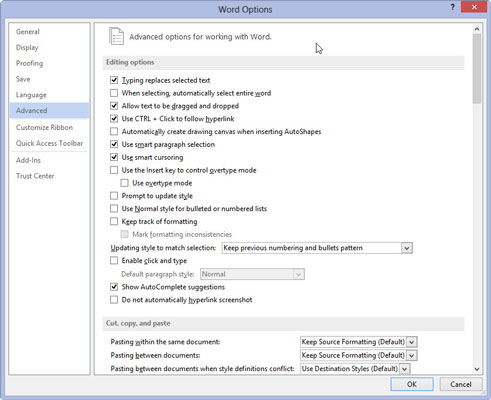
You have now rid yourself of this nuisance.


